Key Highlights
- Apple patches two WebKit zero-day vulnerabilities on December 12, 2025.
- These fixes are available only on iOS 26+ for supported devices.
- Around 4.6% of active iPhones were using iOS 26.2 as of January 2026.
- Restarting the device flushes memory-resident malware, enhancing security.
The Urgency Behind iPhone Users Upgrading to iOS 26+
In today’s interconnected digital world, security updates are not just recommendations but critical measures that protect users from potential threats. On December 12, 2025, Apple addressed a significant security concern by patching two WebKit zero-day vulnerabilities, effectively pushing iPhone 11 and newer models towards the latest iOS version, which includes these essential fixes.
Understanding the Vulnerabilities
The two WebKit zero-day vulnerabilities were primarily used in targeted attacks. WebKit powers Safari and many other applications on iPhones, making it a vast attack surface. These vulnerabilities allowed attackers to execute arbitrary code on a device via malicious web content. Apple has confirmed that such exploits are already in the wild, emphasizing the urgency for users to update their devices.
Why iOS 26+ is Crucial
Around 4.6% of active iPhones were using the latest version, iOS 26.2, as of January 2026. This statistic highlights a significant gap in security updates among iPhone users. Apple only provides these critical fixes and new protections like Memory Integrity Enforcement on supported devices running iOS 26+. Older versions or unsupported devices lack access to these essential security features.
Restarting for Enhanced Security
A common misconception is that restarting a device isn’t necessary unless the user has noticed performance issues. However, experts recommend doing so regularly. Restarting flushes any memory-resident malware from the device, making it a double win: users get the latest security updates while also ensuring their devices are clean of potential threats.
The NSA advises restarting devices weekly to maintain optimal security.
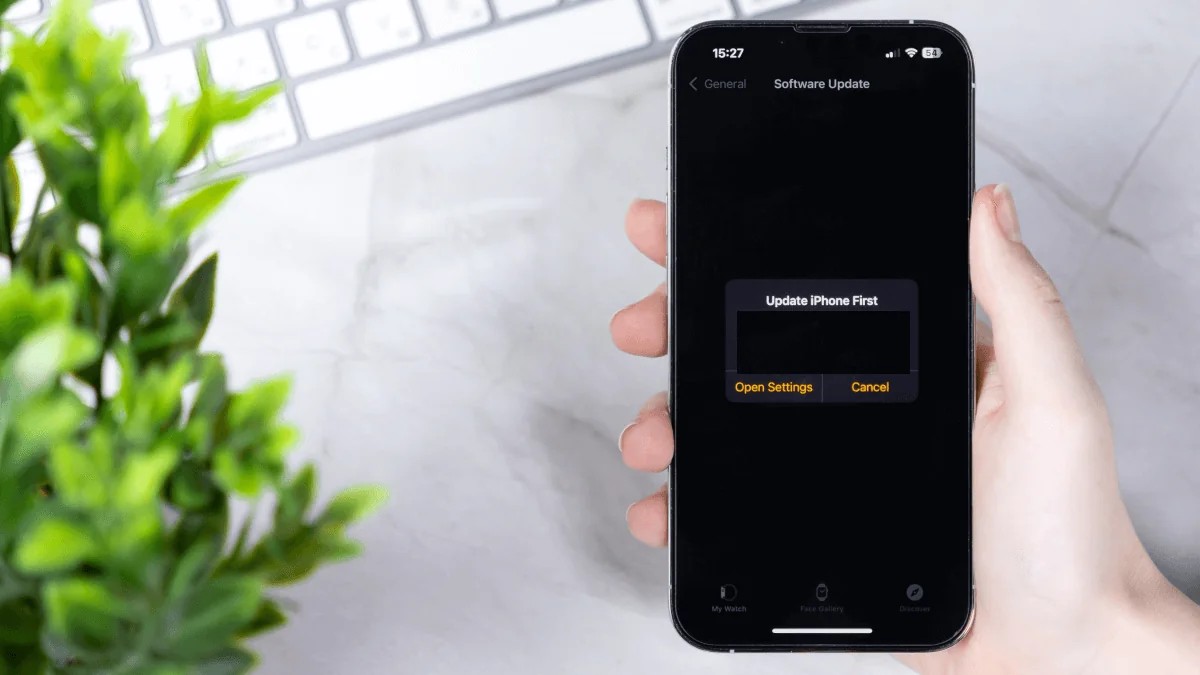
For those using iOS or iPadOS, checking for software updates is straightforward. Go to Settings > General > Software Update. Enabling automatic updates on this screen ensures that you stay current without manual intervention.
Conclusion
For iPhone users, the decision to update and restart their devices isn’t just a matter of convenience but a necessary step in maintaining security. The vulnerabilities patched by Apple highlight the ongoing threats faced by users, especially as attackers continue to evolve their tactics. By staying up-to-date with iOS versions and regularly restarting their devices, users can significantly reduce their risk of falling victim to sophisticated attacks.